Invite & Remove Team Members
Written By Matthias (Admin)
Last updated Almost 2 years ago
Note: You need Admin rights for this functionality. Please contact your company admin regarding that matter!
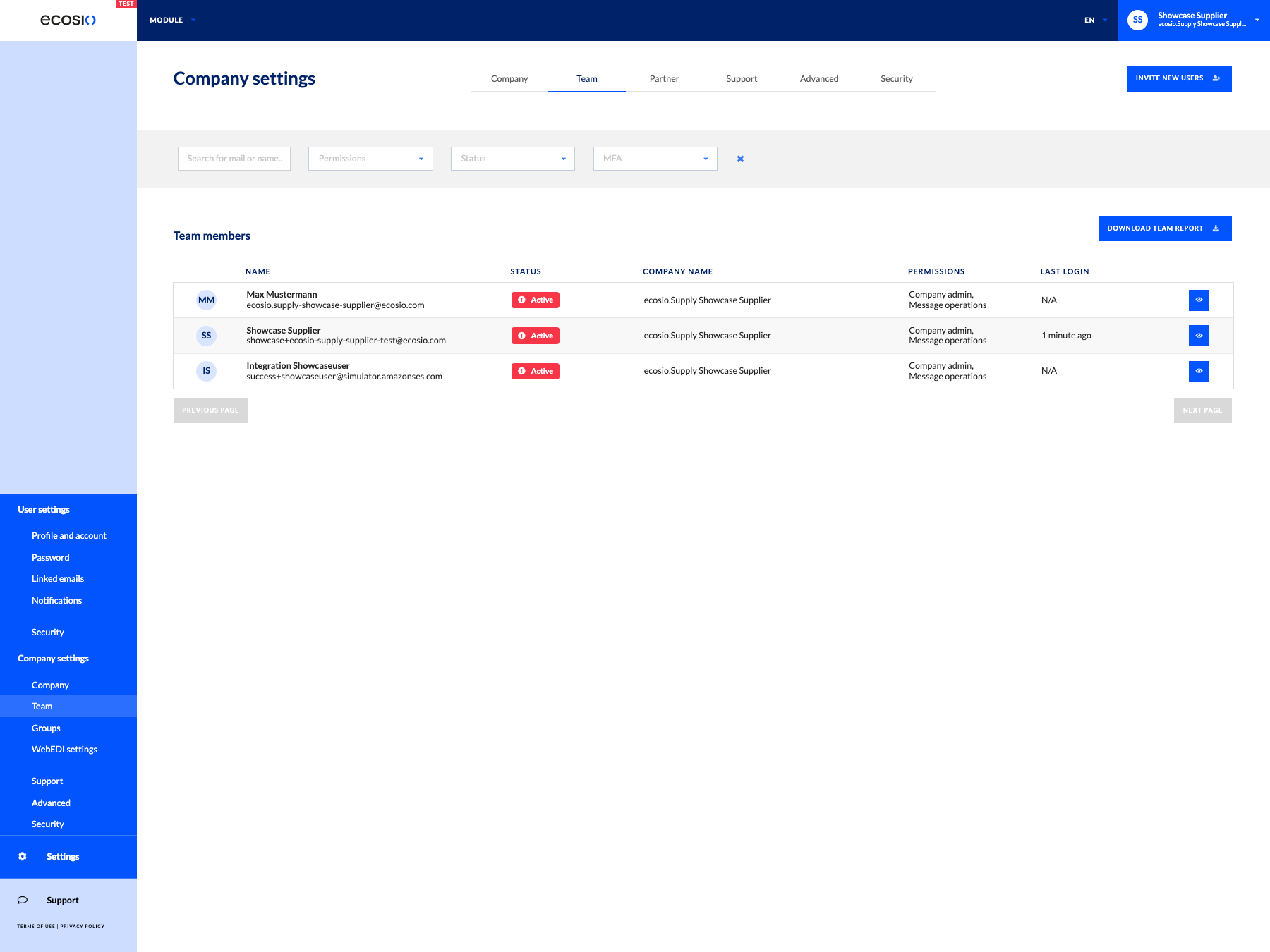
You can invite all your colleagues directly in the settings, if you are an admin user. Either you click the invite button in the navigation menu at the right top or you go to the team settings and invite users via the invite button at the top right of the table.
The invitee will receive will receive a registration link via email and can then create an account for the ecosio portal.
Please make sure that the invitee can receive mails from eventnotification-prod@ecosio.com so that we can send make sure that you will receive our mails.
Remove Team Members
In the Team setting you can also edit users of your team or deactivate them via the eye icon on the right side of the users table.